Settings
Settings Reference
Every tab and every option in Settings, on one page, with a pointer to the guide that explains it.
Settings opens from the gear at the top of the sidebar on iPhone, iPad, and Vision Pro, or from Kan Do ▸ Settings… (⌘,) on the Mac. It has five tabs: Appearance, Typography, Sync, Import, and, on the Mac only, Connector.
Appearance
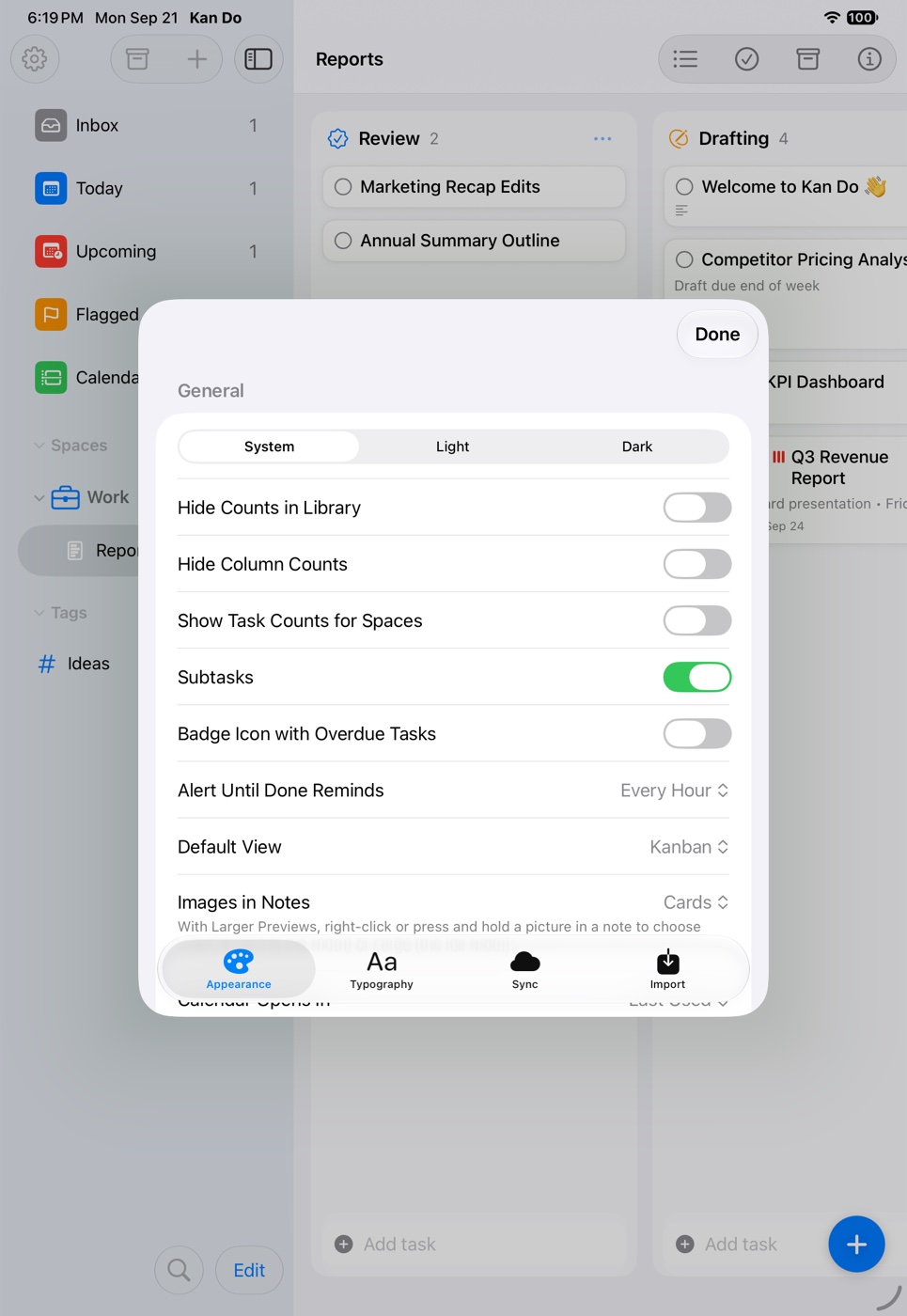
General
| Option | Values | Guide |
|---|---|---|
| Appearance | System, Light, Dark | Appearance |
| Hide Counts in Library | on/off | Smart Lists |
| Hide Column Counts | on/off | Boards and Columns |
| Show Task Counts for Spaces | on/off, off by default | Spaces and Projects |
| Subtasks | on/off | Tasks and Cards |
| Badge Icon with Overdue Tasks | on/off, off by default | Reminders |
| Alert Until Done Reminds | Every 30 Minutes, Every Hour, Every 3 Hours, Every Day | Reminders |
| Default View | Kanban, List | List View |
| Images in Notes | Cards, Larger Previews | Cover Images and Attachments |
| Calendar Opens In | Last Used, Week, Month | Calendar |
| Open at Launch | Last Viewed, Main Navigation, a smart list, a project | Appearance |
| Task Completion | Keep on Board, Move to Archive | Archive |
| Tasks with + Button | Unsorted Column, First Column | Boards and Columns |
Theme
| Option | Values |
|---|---|
| Theme | Multicolor, Ocean, Forest, Sunset |
| App Icon (iPhone, iPad) | Classic, Blue, Midnight, Navy, Indigo, Plum, Slate, Check Gradient, Check Stripes, Check Neon, Board Blue, Board Neon, Board Teal, Board Pink |
Color Mode
| Option | Values |
|---|---|
| Colors | Multicolor, Single Color (with a swatch grid) |
Sidebar Smart Lists
Toggles for Inbox, Today, Upcoming, Flagged, Calendar, Smart Lists, Tags.
Sidebar Order
Reorder the Spaces, Smart Lists, and Tags sections.
Typography
| Group | Options |
|---|---|
| Fonts | Text Font (System, Serif, Rounded), Code Font (SF Mono, Menlo, Courier, JetBrains Mono, JetBrains Mono Extra Light), Default Text Style (Title, Heading, Subheading, Body) |
| Widgets | Widget Text Size 80–160% |
| Layout | Navigation Size, Space Size, Project Size, Project Line Height, Smart List Size, Smart List Line Height, Tag Size, Tag Line Height, Note Card, Card Subtitle, Card Icons, Column Width, Column Icons, Header Size, Note Size, Code Size, Line Height, Line Width, Paragraph Spacing, Paragraph Indent, Restore Editor Defaults |
Details and ranges are on Typography and Layout.
Sync
| Option | What it does | Guide |
|---|---|---|
| iCloud Sync | Turns sync on or off. Takes effect after a restart | iCloud Sync |
| Status | iCloud Account, State, Last Push, Last Received, Last Sent, Sync Problem, Recent Activity | iCloud Sync |
| Merge Duplicate Copies | Appears when hidden duplicates are detected | Backups and Recovery |
| Sync Now | Saves pending edits immediately | iCloud Sync |
| Re-upload All Data | Schedules a safe re-upload from this device | Backups and Recovery |
| Re-download from iCloud | Replaces this device's data with iCloud's copy on next launch | Backups and Recovery |
| Local Backup | Shows when the last daily snapshot was taken | Backups and Recovery |
| Recover Older Boards / Recover Earlier Database | Advanced recovery, shown only when an older database exists | Backups and Recovery |
Import
| Option | What it does |
|---|---|
| Import from Reminders… | Requests Reminders access and starts an import |
| Import From | The Reminders list to copy |
| Import To | Inbox, Existing Project (with Project and Column pickers and New Column…), or New Project (with a Space picker) |
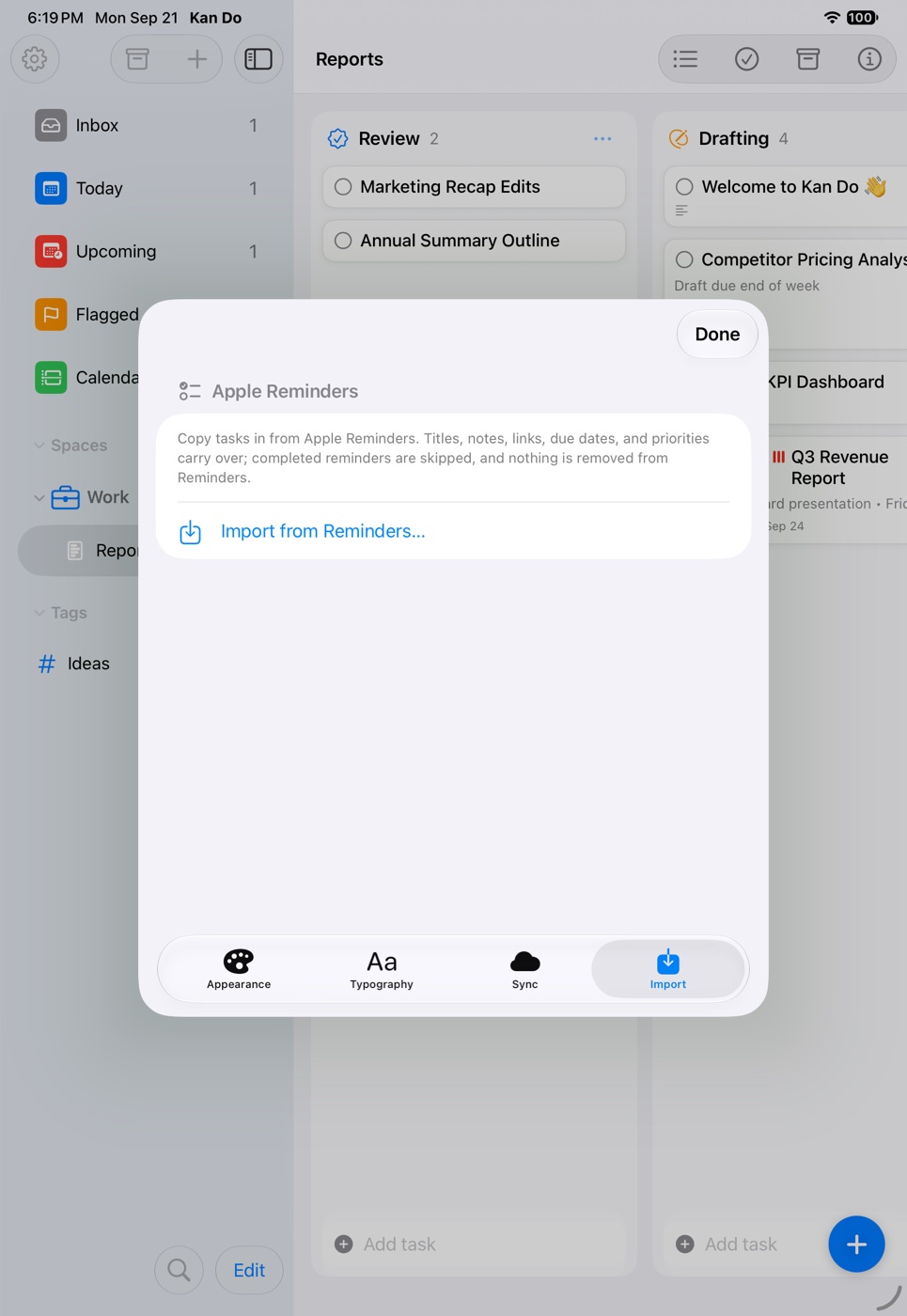
Details on Import and Export.
Connector (Mac only)
Labelled AI Assistants (MCP). Setup sections for Claude Code, Claude Desktop & Cowork, ChatGPT / Codex, and Other MCP Clients, each with a copy button, plus Notes with the tool's path. See AI Assistants (MCP).
Settings that live elsewhere
Some per-project and per-list choices aren't in Settings:
| Choice | Where |
|---|---|
| Kanban or List for one project | Project Settings menu, first item |
| Cover image style for one project | Project Settings ▸ Cover Images |
| Task Completion for one project | Project Settings ▸ Task Completion |
| Sort By and Filter by Tag | Each column's … menu, each list's Sort and Filter menu |
| Group by Time | Today's Sort and Filter menu |
| Widget list and + destination | Edit Widget on the Home Screen or desktop |
Which settings sync
Most of Settings is per device. The exceptions that follow you through iCloud are your custom smart lists (through key-value storage) and per-project cover image styles. Everything else, including typography, theme, and Task Completion, is chosen on each device.